
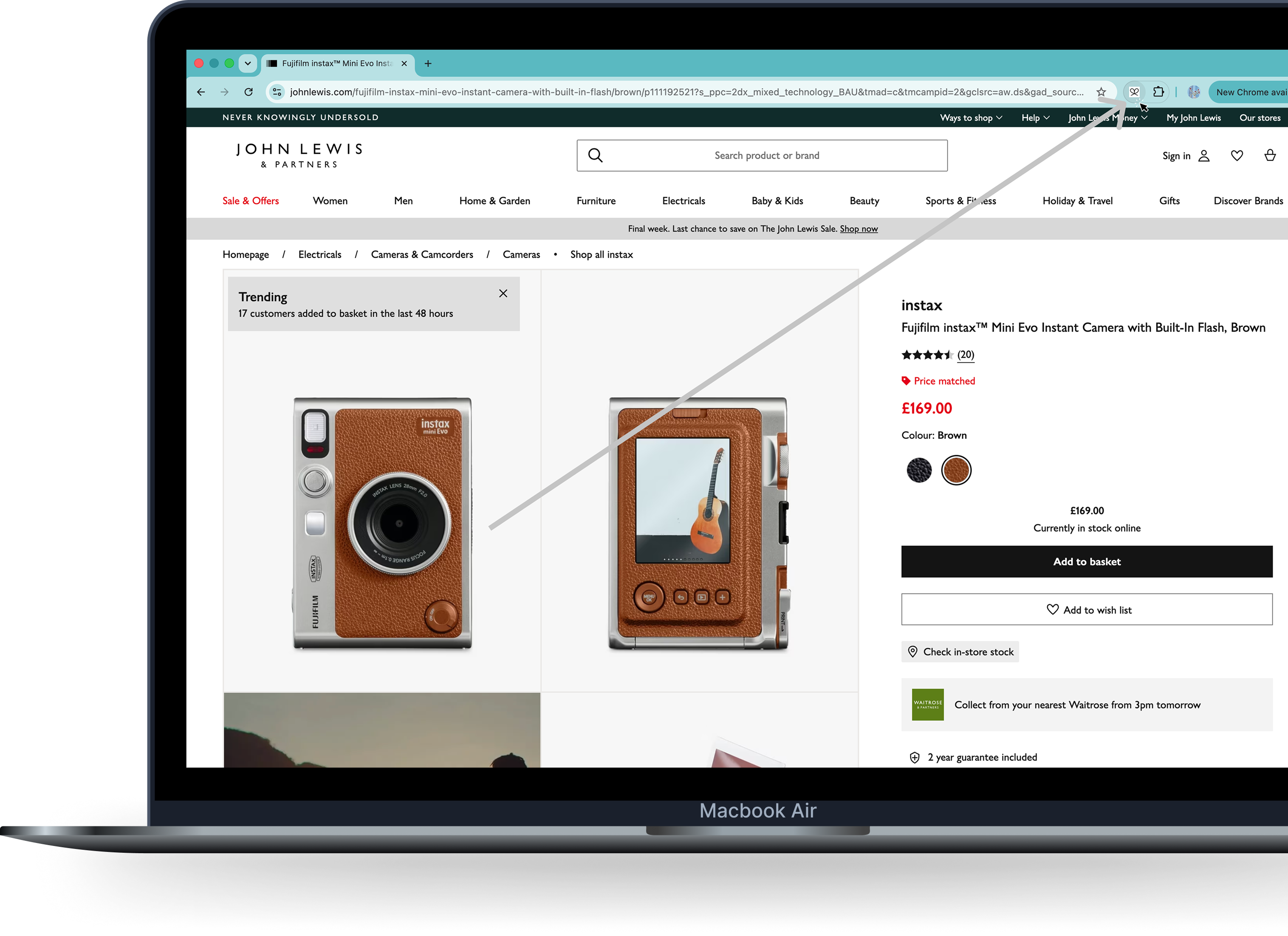

Drop a hint
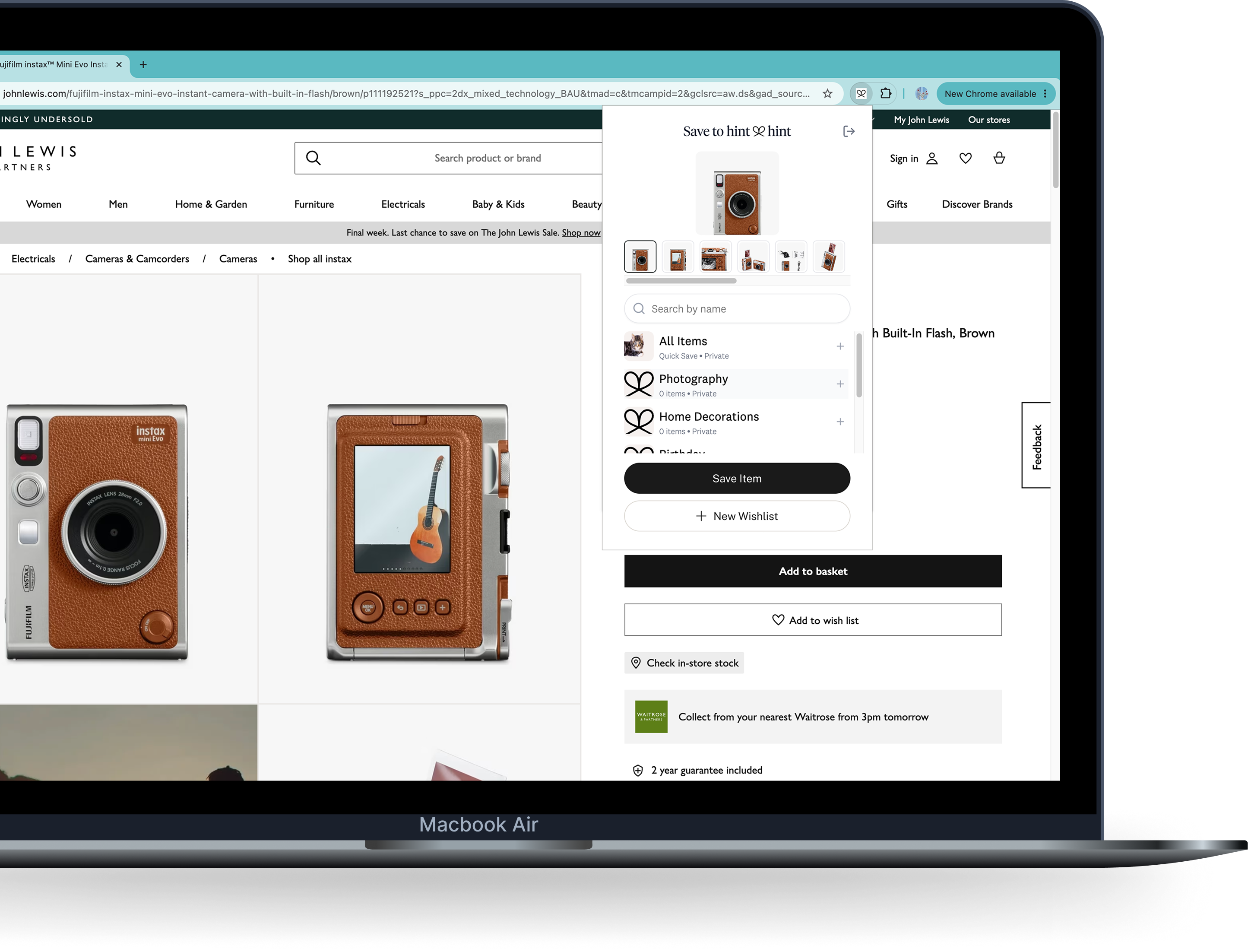
Save anything from any site into one wishlist. Share it with friends and family.
The heart of HintHint.
Tell us where you're saving from, and we'll show you the way that fits — the steps are made for that device.
You're shopping on any retailer's site, in Safari or Chrome.
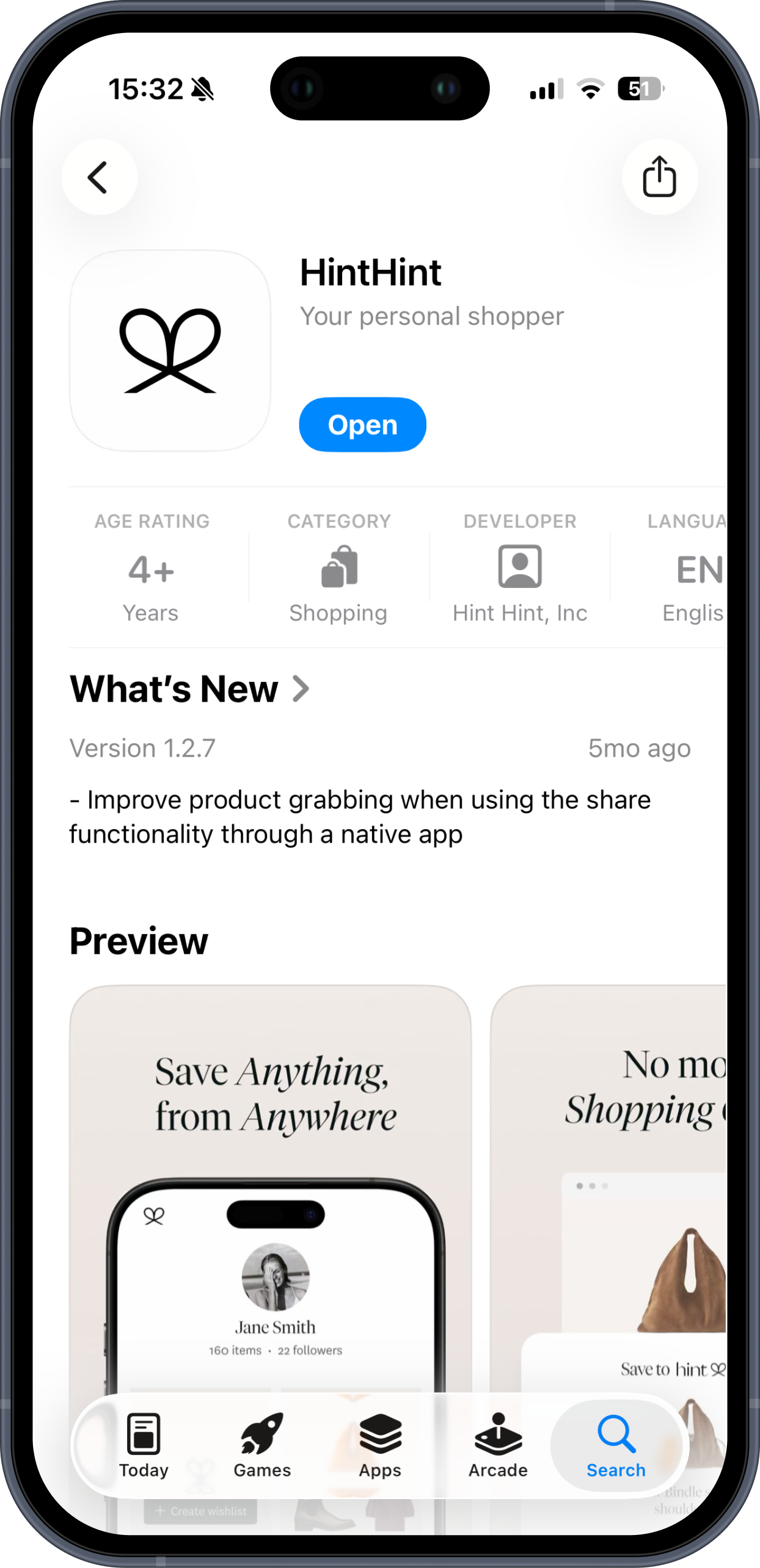
See something you like? Tap "SHARE", then pick HintHint.
Save it to a list you've made, or start a new one.
Save anything from any site into one wishlist. Share it with friends and family.
Type a name to open their wishlist.
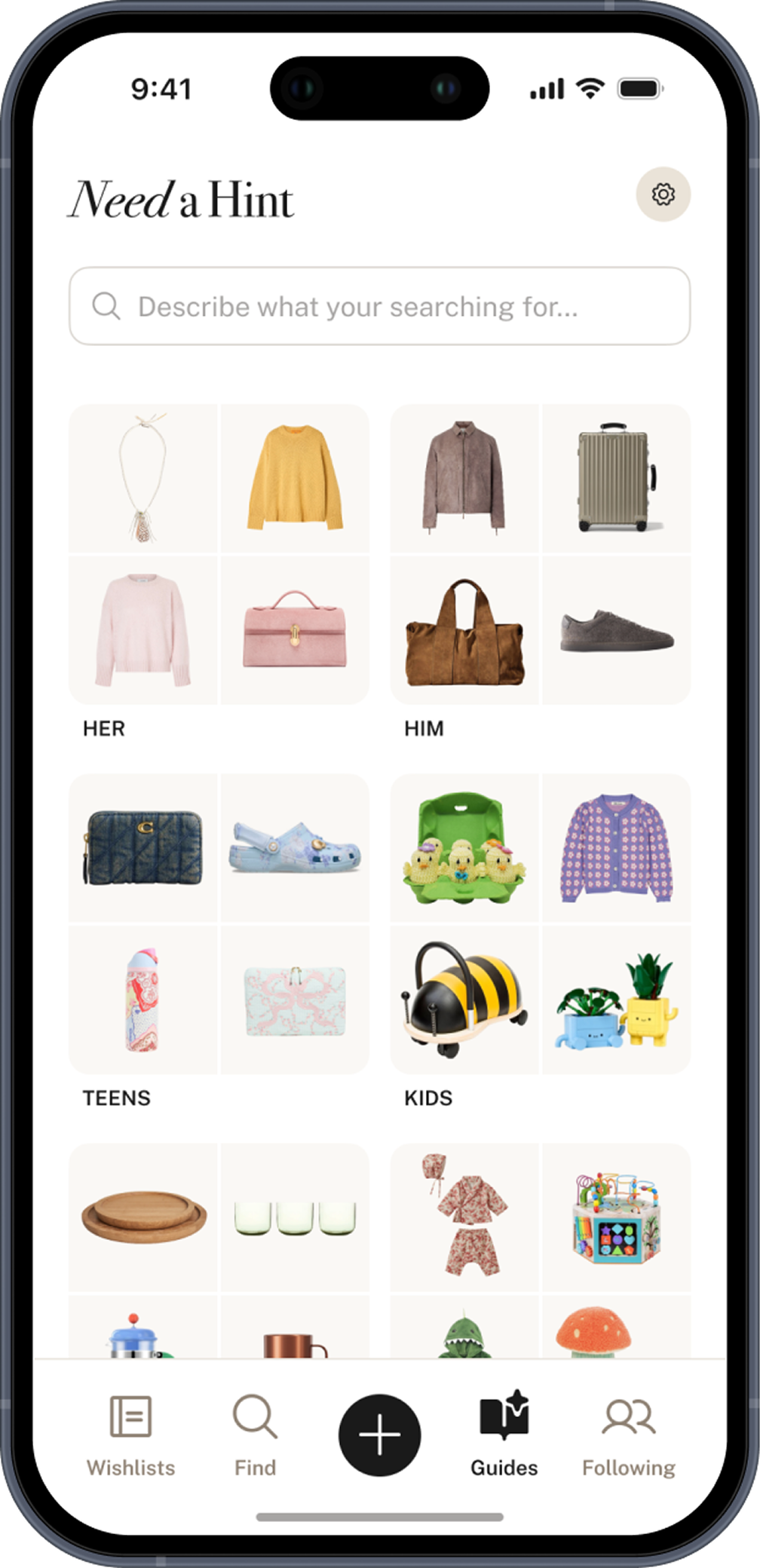
Ask for anything, ideas with a point of view.
NEED A HINT
Stuck for ideas? Explore gift guides for any occasion, curated around real taste.
Use AI search to get products tailored to exactly who you're shopping for and what you're celebrating.
Send a unique link to anyone — they can view your wishlist without an account. When you update it, the link updates too.
COMMON QUESTIONS
Not necessarily. The extension saves while you browse on your computer; the app saves on the go. They work independently, but together they give you seamless saving everywhere. Everything stays in sync as long as you use the same email.

HintHint